

Only 22% of surveyed organizations came within 5% of actual results in the forecasting study published by KPMG. Downloading a better-looking spreadsheet won't solve that problem. The question you need to answer is simpler: Can this budget forecasting template show a cash gap before payroll hits?
Most owners download a budget template, fill in last year's numbers, and stop there. The template isn't the problem. A static budget records your plan, but without collection dates, payment timing, and updated actuals, it can't reliably show when cash runs out.
A budget sets targets. A forecast updates what you expect to happen. A cash forecast goes further by placing receipts and payments in the periods when money should move.
The payroll test: If a customer pays late, can you change that assumption and immediately see whether you can still cover payroll?
The options below range from simple monthly budgets to integrated financial models and driver-based software. Each has a useful starting point and a place where it breaks down. Choose according to how your business collects and spends cash, not how polished the dashboard looks.
That discipline also supports the inputs that shape business value, including profitability and working-capital management. Start with the simplest model your team can maintain, then add the detail needed to make decisions.
Table of Contents
- 1. CFI Financial Projection Template
- 2. Smartsheet Financial Projection Templates
- 3. SCORE Financial Projections Template
- 4. Vertex42 Business Budget Template
- 5. Xero Free Business Budget Template
- 6. QuickBooks Business Budget Template
- 7. Microsoft Excel Business Budget Templates
- 8. Simply Business Small Business Budget Template
- 9. PlanGuru Budgeting and Forecasting
- 10. Crisis CFO Operating Budget Builder
- Format, cost, and forecast depth of each budget forecasting template
- Pick One Template and Run It for 13 Weeks
1. CFI Financial Projection Template
The CFI Financial Projection Template suits owners who need more than an expense budget. Its sales, payroll, and operating-expense schedules feed projected financial statements, making it useful for planning investments or preparing for lender discussions.
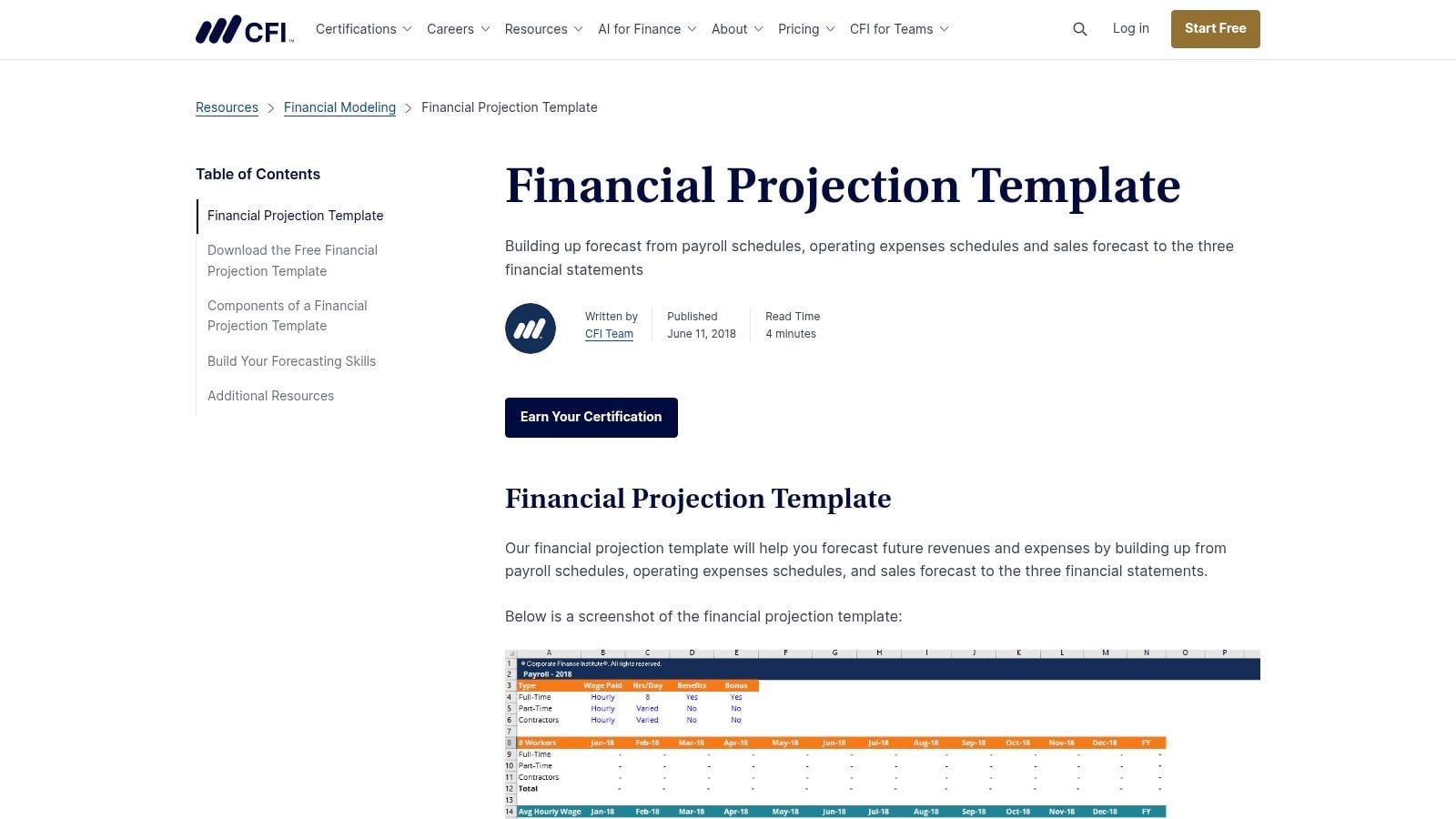
Its main advantage is integration. The income statement shows profitability, the balance sheet shows assets and obligations, and the cash-flow statement explains movements in cash. Together, they let you examine consequences that a standalone spending budget misses.
Set Up the Cash Assumptions First
Start with reconciled historical balances, then build sales and payroll assumptions. Use a projected sales forecast template to separate committed work from uncertain opportunities before feeding revenue into the model.
- Best fit: An owner or finance lead comfortable maintaining linked financial statements.
- Strength: The free workbook provides a financial-modeling structure rather than an isolated expense list.
- Trade-off: Setup requires more accounting knowledge than a basic budget, and download requirements should be checked on CFI's page.
Can it flag a payroll gap? Yes, if you configure collection timing and payment assumptions correctly. A construction contract may generate projected profit while labor and materials require cash before the customer pays.
It breaks down when users treat forecast revenue as immediate cash. Keep a separate near-term payment schedule if the model's reporting periods are too broad for payroll decisions.
2. Smartsheet Financial Projection Templates
If you're unsure which layout fits your business, the Smartsheet financial projection collection offers monthly projections, cash-flow forecasts, and longer-range models. Many are available in Excel and Google Sheets, with sample and blank versions for some formats.
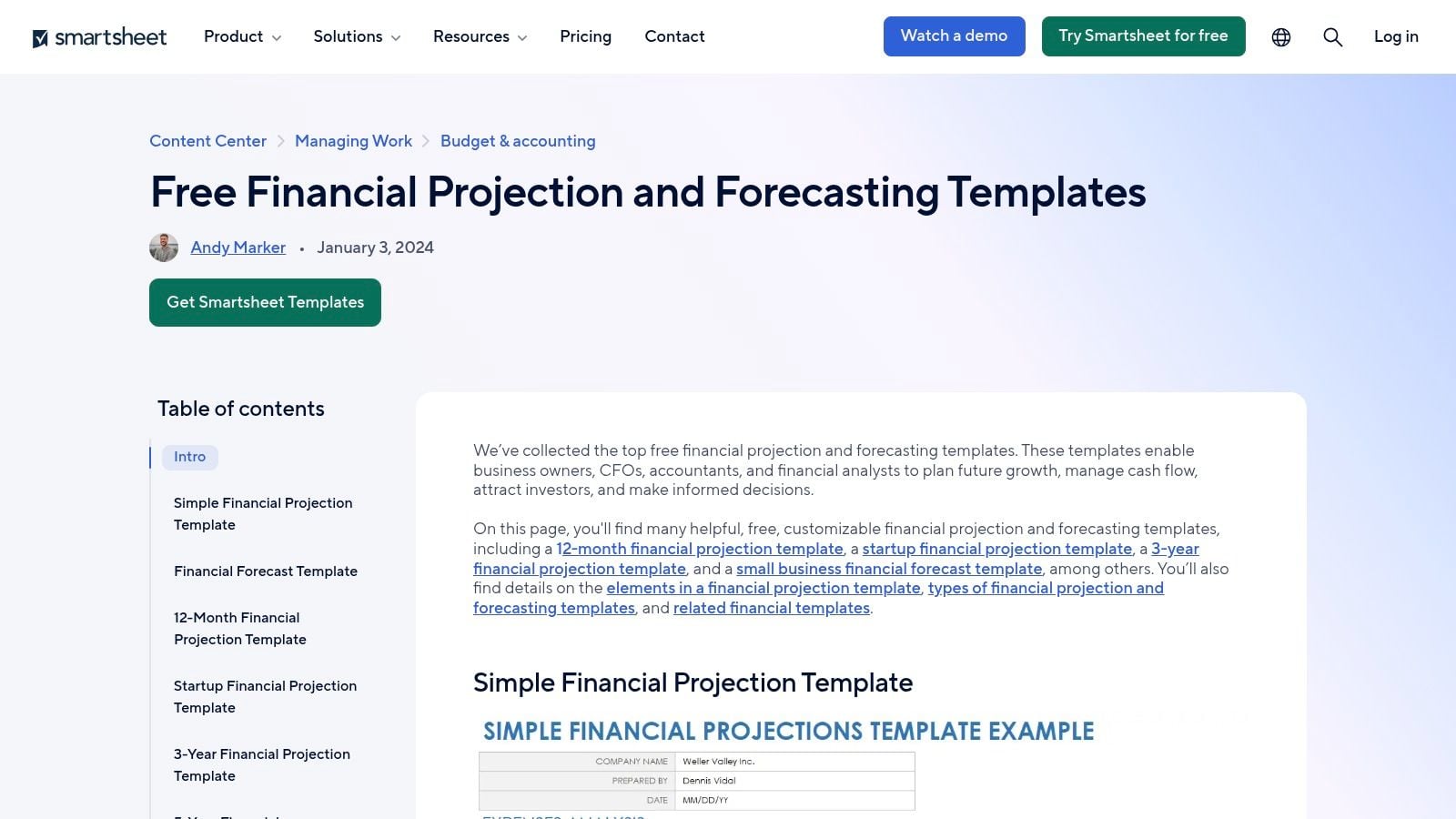
The choice is useful, but it creates a maintenance risk. Downloading separate revenue, expense, and cash workbooks can leave you updating the same assumption in several places.
Choose One Working Forecast
Pick the cash-flow format first if payroll visibility is your immediate concern. Add supporting revenue and expense schedules only where they explain the cash forecast, and establish which file contains the approved assumptions.
The FDIC cash-flow projection guide distinguishes sources of cash, operating uses, and non-operating uses. That separation matters because equipment purchases and loan principal payments can reduce cash without appearing as ordinary operating expenses.
The practical trade-off: Smartsheet offers familiar formats and many free downloads, but the collection isn't a fully linked planning system by default. Formula quality and complexity vary by file, and your team must load actuals.
For a distributor, include customer receipts, inventory payments, payroll, and debt service in the same cash view. It passes the payroll test when those schedules connect. It fails when a strong sales forecast sits in one workbook while supplier payments remain in another.
3. SCORE Financial Projections Template
An owner building a first formal forecast may benefit more from instructions than from advanced features. The free SCORE Financial Projections Template provides an Excel workbook for business planning, with supporting guidance.
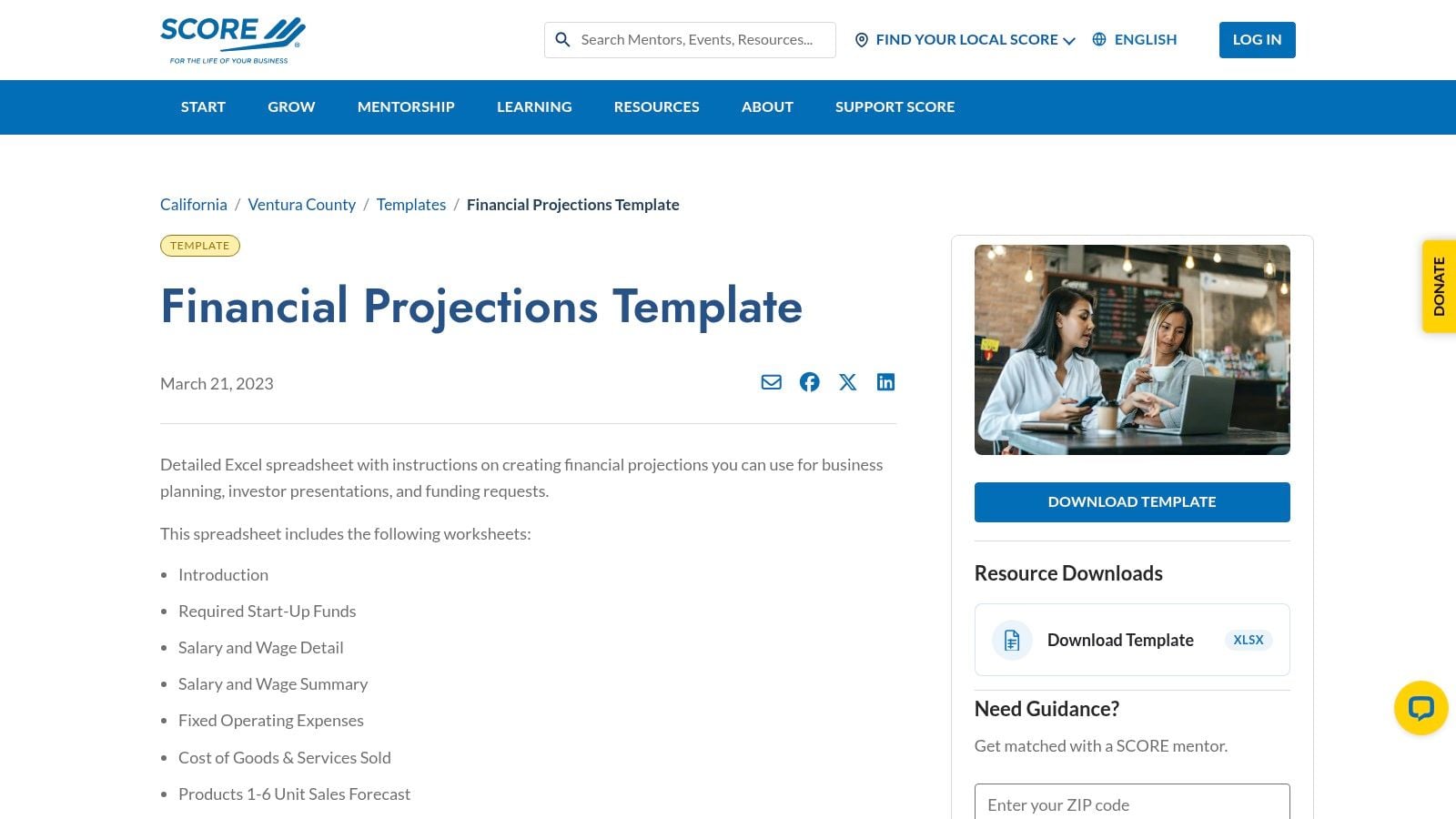
SCORE also offers small-business mentoring separately, although availability varies by location. The linked resource is hosted by its Ventura County chapter, so confirm that the workbook fits your reporting period and business needs.
This is a planning starting point, not a substitute for operating detail. An established company may need additional schedules for departments, projects, inventory, or customer collections.
Turn a Planning Workbook Into a Working Forecast
Begin with your chart of accounts, then replace broad assumptions with business-specific inputs. A professional-services firm should distinguish billable staffing, utilization, and pricing rather than enter a single unsupported sales-growth estimate.
- Preserve the budget: Keep the original approved plan available for comparison.
- Update the forecast: Replace completed periods with actual results and revise future expectations.
- Add cash detail: Schedule receipts and payroll according to expected bank movements.
A pro forma budget can help organize the forward-looking plan, but the cash schedule determines whether that plan is affordable.
Payroll verdict: Useful after tailoring. It breaks down when an owner completes it for a funding presentation, then leaves the assumptions unchanged while hiring, project timing, or customer payments shift.
4. Vertex42 Business Budget Template
Service businesses and companies selling goods shouldn't start with identical cost categories. The Vertex42 Business Budget Template offers separate worksheets for those business types, including cost-of-goods-sold categories for product businesses.
Its 12-month planning version supports seasonal planning, although you should use the main product link above rather than maintain separate copies of the same model. Excel and Google Sheets options are available for some versions.
Good for Operating Structure, Incomplete for Cash
For a distributor, separate product sales, purchase costs, freight, and overhead. For a service firm, adapt categories around delivery labor and other direct costs, then follow a consistent process for creating a business budget.
The template's strength is an approachable income-statement-style layout. You can edit categories without starting from an empty sheet, but check totals and formulas whenever you insert or remove rows.
A product margin forecast answers whether sales are profitable. It doesn't answer when you must pay for the inventory.
The limits are clear: This isn't a full integrated financial forecast. Free personal use is offered, redistribution or resale is restricted, and published template information may not reflect recent revisions.
To pass the payroll test, add opening cash, customer receipts, supplier payments, payroll dates, and ending cash. Don't copy product costs into the cash schedule. Inventory purchasing and inventory expense recognition may happen in different periods, creating a cash requirement the operating budget doesn't reveal.
5. Xero Free Business Budget Template
The Xero Free Business Budget Template is a practical choice when your immediate need is budget-versus-actual review. It provides monthly tracking, a year-end summary, customizable periods, and Excel, Google Sheets, or PDF formats.
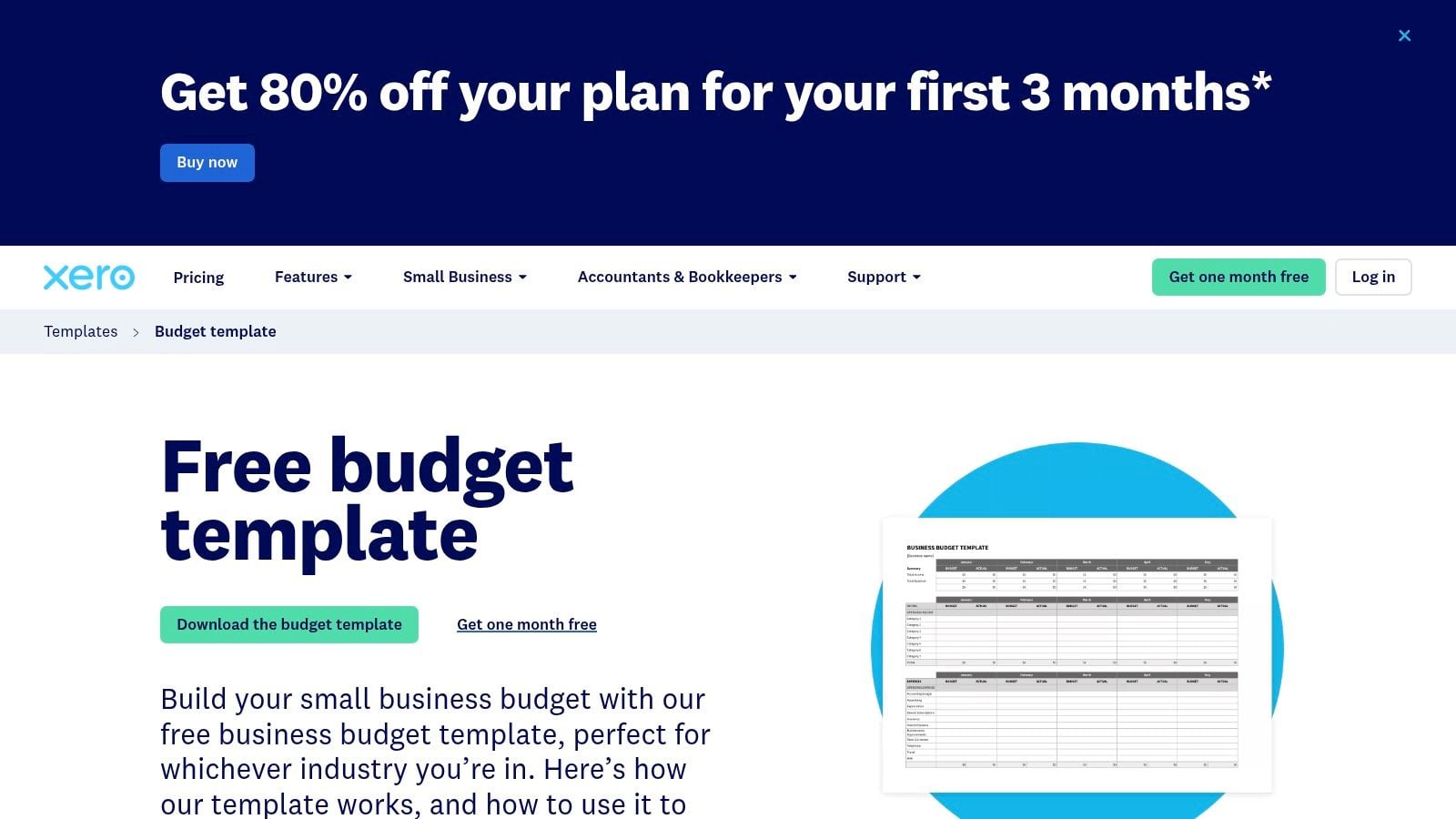
A variance is the difference between your plan and the actual result. Reviewing it helps you distinguish an operating problem, such as excess labor, from a timing problem, such as a customer paying later than expected.
Use the Editable File for Reforecasting
Choose Excel or Google Sheets for a living forecast. PDF is useful for a fixed review copy, but it isn't the format to use when assumptions need to flow through calculations.
- Keep separate columns: Show the approved budget, actual results, and latest forecast.
- Explain material differences: Record whether the cause was price, volume, spending, or timing.
- Reconcile cash: Confirm the forecast's opening balance against available bank funds.
The trade-off is manual maintenance. This downloadable template is separate from live accounting data, so users must update and reconcile it themselves.
It can work well for an owner who wants a disciplined monthly review before investing in more complex planning. It doesn't replace a cash-timing or scenario model.
Payroll verdict: Add a dated receipts-and-payments schedule alongside it. Otherwise, knowing you're under your expense budget won't tell you whether cash will be available on payday.
6. QuickBooks Business Budget Template
Starting with prior-year results is sensible. Assuming next year will follow the same pattern isn't.
The QuickBooks Business Budget Template offers free Excel and printable formats, sample figures, and instructions for using historical results to forecast sales and costs. That makes it approachable for owners new to budgeting.
Use history as a baseline, not a formula for everything. Separate recurring commitments from costs that change with staffing, sales volume, or project delivery.
Replace Averages With Payment Dates
Load historical results, remove unusual items, and add known changes such as rent increases, planned hires, or equipment commitments. Then build a separate collections schedule using customer payment behavior.
The FDIC budgeting guidance recommends placing customer revenue in the period when payment is expected, rather than when work was performed or goods were sold. It also recommends allowing for unexpected expenses.
Say a professional-services firm completes work before collecting its invoice. Payroll still needs funding during that interval, even if the budget shows a healthy margin.
Where it works: Establishing categories and a basic planned-versus-actual discipline.
Where it breaks down: Rolling forecasts, departmental planning, and job-level detail require expansion. The spreadsheet doesn't automatically update from accounting records.
For the payroll test, use the template as your operating baseline and maintain a separate near-term cash schedule. Don't assume the QuickBooks name means the downloaded file has a live accounting connection.
7. Microsoft Excel Business Budget Templates
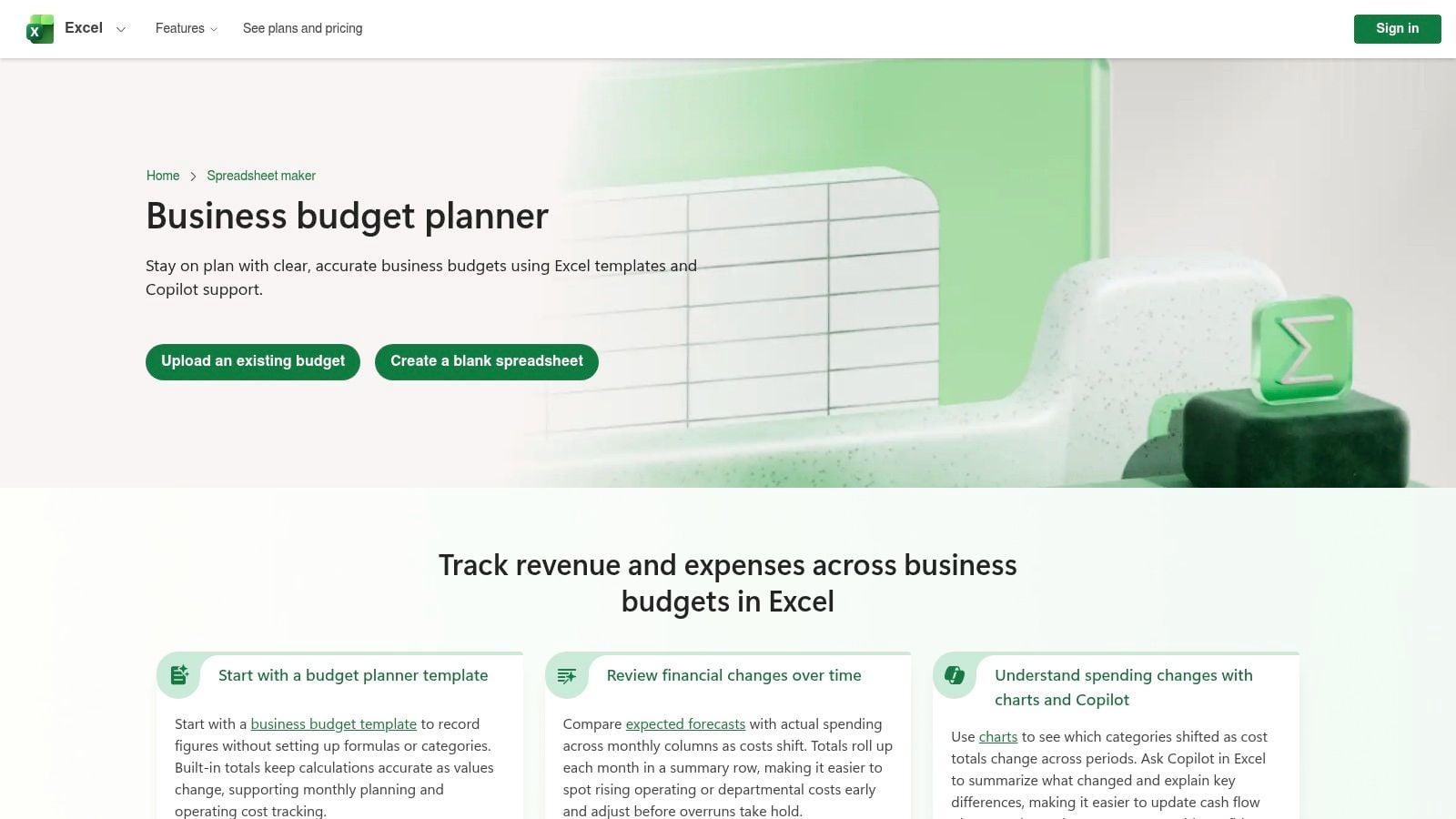
If your team already works in Excel, the Microsoft Excel business budgeting collection lets you stay in a familiar environment. Options include business, monthly company, and expense budgets with customizable categories, charts, and conditional formatting.
Flexibility is both the advantage and the risk. You can build around your company's operations, but Microsoft supplies a starting layout, not your forecast assumptions or financial controls.
Build a Controlled Cash Workbook
Use separate worksheets for assumptions, actuals, collections, payments, and the forecast summary. Follow a cash-flow forecasting Excel template structure rather than mixing formulas and manual overrides throughout the file.
- Protect calculations: Lock formula cells and clearly identify editable inputs.
- Flag low cash: Apply conditional formatting against your chosen minimum cash balance.
- Control versions: Assign an owner and maintain one shared working file.
Online sharing can support collaboration, but decide who can change assumptions and who only needs to review results. Advanced capabilities may depend on Microsoft 365 or Copilot access; formula and linked-sheet maintenance remain your responsibility.
Payroll verdict: Excel can show a cash gap clearly when you design the model around payment timing. Charts alone don't provide that visibility.
It breaks down when team members circulate competing versions, overwrite formulas, or enter different collection assumptions in different tabs. A smaller, controlled workbook is preferable to an elaborate file nobody trusts.
8. Simply Business Small Business Budget Template
The Simply Business Small Business Budget Template is suited to an owner who needs help understanding what belongs in a budget. It combines a free editable spreadsheet with an annotated example and supports Excel or Google Sheets.
Its appeal is simplicity. The example helps explain the layout, and you can adapt categories as the business changes without committing to a larger planning system.
Add the Missing Decision Layer
Start by replacing example entries with your actual income and expense categories. Separate fixed commitments, such as rent, from variable costs tied to activity.
Then add a cash schedule rather than trying to turn every operating-budget row into a bank movement. Include customer receipts, supplier payments, payroll, taxes, debt payments, and planned capital purchases.
Use it as a starting layout: An easy-to-understand budget is useful, but payroll decisions require expected payment dates.
The compromise: This is a basic budget resource, not an advanced forecast or an integrated financial-statement model. The PDF-linked download route may also be less convenient than a dedicated workbook page.
It's a reasonable first step for a business moving away from informal spending decisions. It becomes less suitable when you need project-level collections, inventory purchasing plans, or several linked scenarios.
Payroll verdict: Not without additions. Keep it if your operations are straightforward and you can maintain the cash extension. Move to a more structured model when manual adjustments become difficult to trace or explain.
9. PlanGuru Budgeting and Forecasting
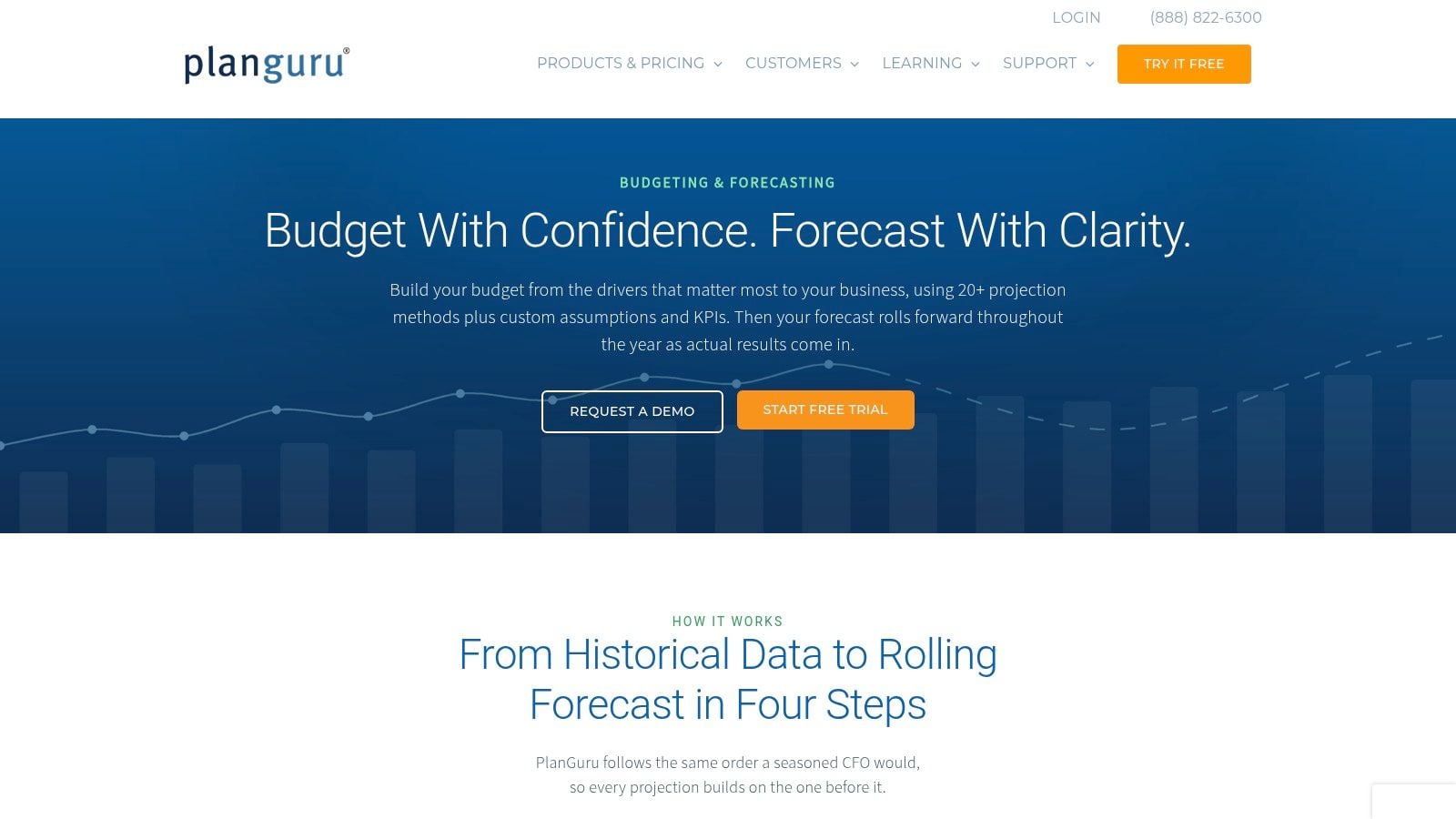
A business that keeps rebuilding its workbook may need software rather than another template. PlanGuru Budgeting and Forecasting supports driver-based projections, custom assumptions and KPIs, integrated financial statements, archived budgets, and rolling forecasts.
A driver-based forecast calculates results from operating inputs. For professional services, that could mean billable headcount, utilization, and pricing instead of a blanket revenue-growth assumption.
In the 2024 FP&A Trends Survey, 51% of organizations using driver-based models rated their forecasts great or good, compared with 25% of organizations not using them. That supports modeling how the business operates, not assuming software alone improves accuracy.
Set Up Drivers Before Adding Complexity
Map historical accounts, establish opening balances, and choose the operating assumptions that materially affect results. PlanGuru offers more than 20 projection methods, but a manageable set of relevant drivers is better than unnecessary complexity.
Preserve the approved budget and update the rolling forecast as actuals arrive. Understanding the difference between a budget and a forecast helps prevent revised expectations from erasing accountability.
The trade-off: Paid software requires more setup than a basic spreadsheet, clean historical accounting data, and confirmation of current pricing and suitability.
Payroll verdict: Strong potential when working-capital and payment assumptions are maintained. It breaks down when complex calculations depend on stale collection estimates or unreliable accounting inputs.
10. Crisis CFO Operating Budget Builder
For an owner who wants to enter assumptions before working inside Excel, the Crisis CFO Operating Budget Builder offers a guided alternative. You enter revenue, cost of goods sold, operating expenses, and other expenses, then receive a formula-driven workbook by email.
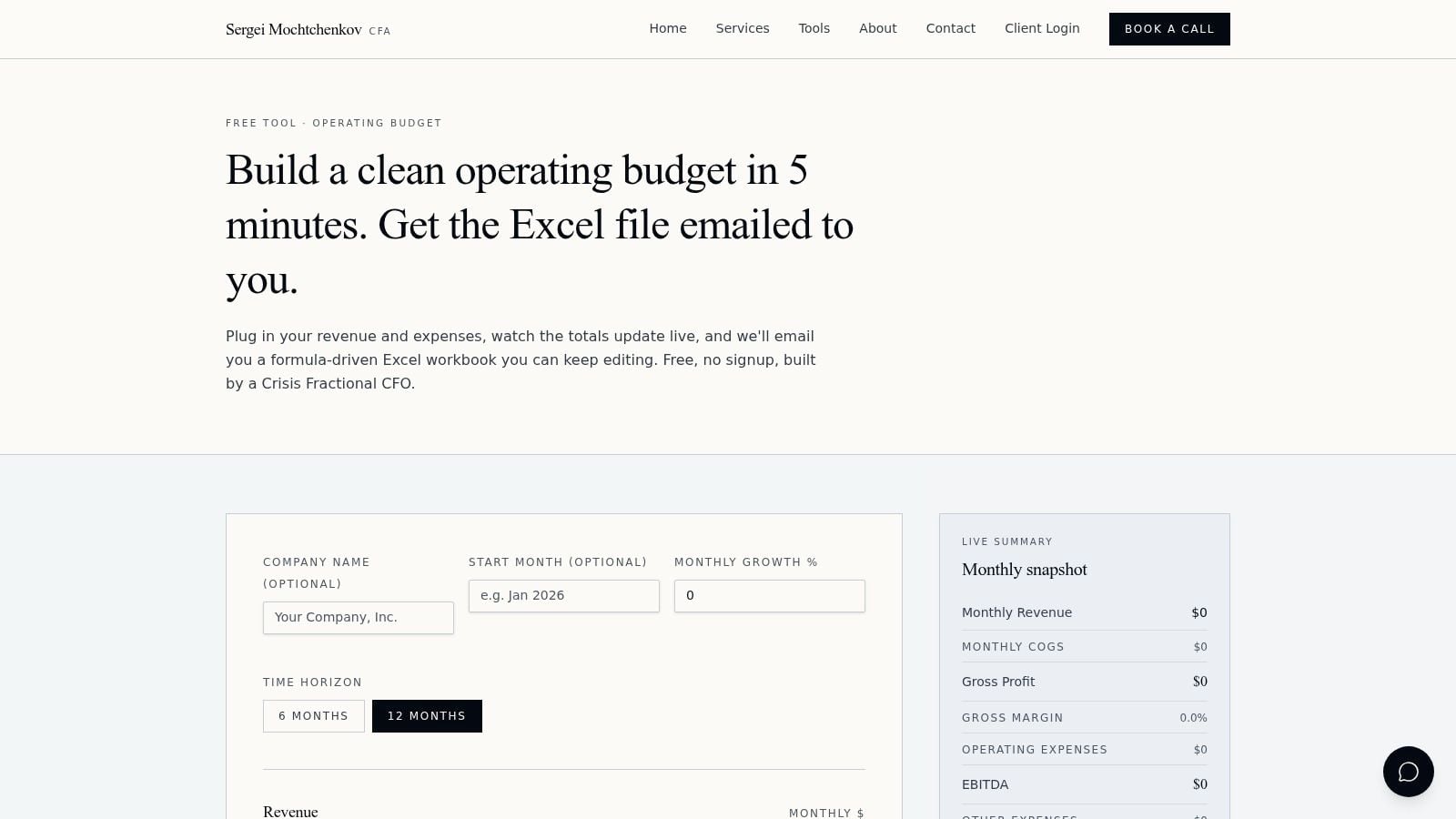
The free tool displays gross margin and EBITDA as you work. EBITDA means earnings before interest, taxes, depreciation, and amortization; it's a profitability measure, not the amount available in your bank account.
Build the Operating Plan, Then Test Liquidity
Choose the planning horizon, rename revenue and expense lines, and review the live summary. After receiving the editable workbook, inspect the formulas and add cash assumptions before using it for spending decisions.
- Useful strength: You can review operating profitability while entering assumptions.
- Practical limitation: An email address is required to receive the workbook.
- Important boundary: It isn't a full integrated balance-sheet forecast, and the provider's CFO services are separate from the free tool.
For a construction company, the operating plan may look attractive while retainage delays customer receipts. Add those delays to a cash schedule, along with subcontractor payments, payroll, and equipment commitments.
Payroll verdict: Useful for assembling the operating budget, insufficient by itself for cash timing. The workbook remains editable, which makes extension possible, but you still need to distinguish invoiced revenue from collected cash.
Format, cost, and forecast depth of each budget forecasting template
| Item | Format | Cost | Forecast Depth | Best For |
|---|---|---|---|---|
| CFI Financial Projection Template | Excel workbook | Free; check download requirements | Integrated three-statement forecast | Owners and finance teams building detailed financial models |
| Smartsheet Financial Projection Templates | Excel and Google Sheets | Many templates are free | Monthly to longer-term projections; varies by template | Comparing forecast formats and planning horizons |
| SCORE Financial Projections Template | Excel workbook | Free | Business-plan financial projections | Small-business owners preparing a first forecast |
| Vertex42 Business Budget Template | Excel and Google Sheets options | Free for personal use | 12-month budget; not a full three-statement forecast | Service and product businesses planning income and expenses |
| Xero Free Business Budget Template | Excel, Google Sheets, and PDF | Free | Monthly tracking, annual summary, and budget-versus-actual review | Businesses seeking a customizable budget and variance review |
| QuickBooks Business Budget Template | Excel and printable format | Free | Basic planned-versus-actual budget | Small-business owners starting a budget |
| Microsoft Excel Business Budget Templates | Excel and online editing | Template costs vary | Monthly budgets with planned-versus-actual review | Businesses wanting customizable budgets and spreadsheet collaboration |
| Simply Business Small Business Budget Template | Excel and Google Sheets spreadsheet | Free | Basic budget; not an advanced forecast | Businesses seeking a simple budget with an annotated example |
| PlanGuru Budgeting and Forecasting | Forecasting software | Paid; confirm pricing with vendor | Driver-based rolling forecasts with integrated statements | Businesses outgrowing static spreadsheets |
| Crisis CFO Operating Budget Builder | Online tool with downloadable Excel workbook | Free; email required | Six- or 12-month operating budget with profitability summaries | Businesses building an operating budget and tracking gross margin and EBITDA |
Pick One Template and Run It for 13 Weeks
Choose the template that matches how your cash moves, load three months of actuals, and compare forecast to actual every week. Don't spend another planning cycle choosing between layouts when the missing work is entering reliable collection and payment assumptions.
For a straightforward business, a basic spreadsheet with a disciplined cash extension may be enough. For a company with inventory, project retainage, departmental ownership, or linked financing decisions, an integrated model deserves the extra setup.
Make the Weekly Update Repeatable
Build a 13-week rolling cash forecast showing the cash position each week, then update it as new information arrives. Keep the annual operating budget for targets and use the rolling cash forecast for near-term decisions.
- Confirm opening cash: Reconcile available funds and account for pending bank movements.
- Schedule receipts: Use invoice-level collection expectations, not sales targets alone.
- Enter committed payments: Include payroll, suppliers, taxes, debt service, and equipment.
- Explain differences: Separate changes in operating performance from changes in timing.
- Extend the horizon: Add the next forecast period after recording completed actuals.
Assign a named owner to each important assumption. Sales should support expected customer activity, operations should confirm delivery and staffing needs, and finance should reconcile the resulting cash movements.
Poor inputs remain a practical constraint. In the 2025 middle-market CFO survey published by Cherry Bekaert, 49% reported being blocked by poor data quality. Before automating a forecast, resolve inconsistent account mappings, outdated receivables, and missing payment commitments.
Decide What Happens When Cash Falls Short
Create a base case and a downside case that changes both operations and cash timing. Georgia's cash-flow planning guidance recommends best, base, and worst cases rather than relying on a single expected outcome.
Set a minimum acceptable cash balance and define what you'll do before crossing it. That might mean accelerating collections, deferring discretionary equipment, adjusting hiring, or discussing supplier terms before payments become urgent.
A 13-week rolling forecast can show a cash crunch eight weeks before it hits, giving you time to act rather than react. It isn't a guarantee of warning; its usefulness depends on current assumptions and honest updates.
AmbitionCFO builds these cash-flow models and KPI dashboards for founder-led businesses with $10M–$100M in annual revenue. The immediate next step is the same whether you use outside support or build internally: choose a template, enter actual cash commitments, and schedule the first weekly review.
AmbitionCFO provides 13-week cash-flow modeling, budgeting, scenario modeling, and KPI dashboards that connect operating decisions to cash availability. Visit AmbitionCFO to discuss a forecast that accounts for your collections, payroll, inventory, equipment purchases, and project timing.